ne note at a time
ne note at a time

A quiet workbench for pitch, time and harmony.

A strobe tuner, a living scope, a three-layer metronome, a harmony page that answers questions, and a recorder that is also a looper and writes down what you played. It shows you what your sound is doing and stays out of the way.

In public beta for iPhone. Pay once when it ships — no account, no cloud, no analytics. Nothing leaves your phone.

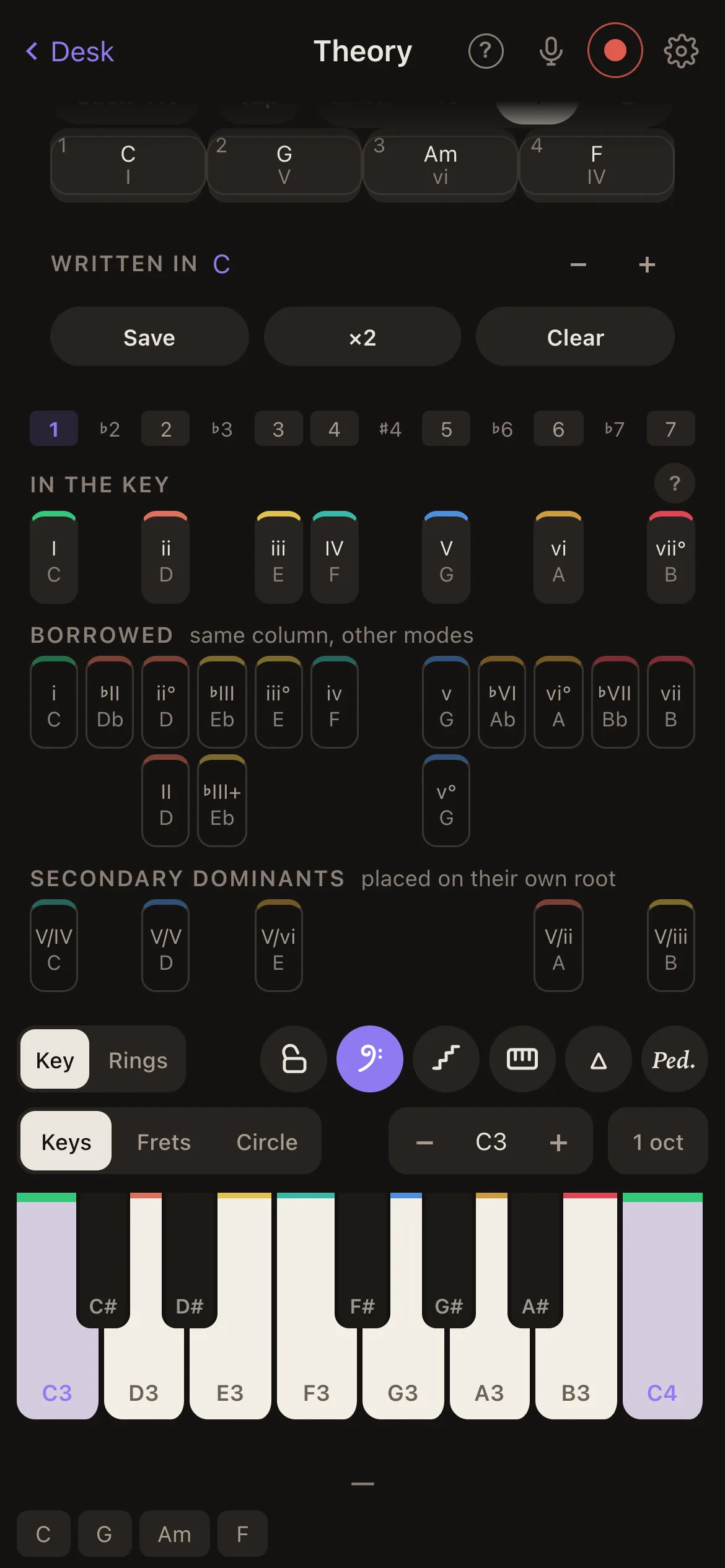
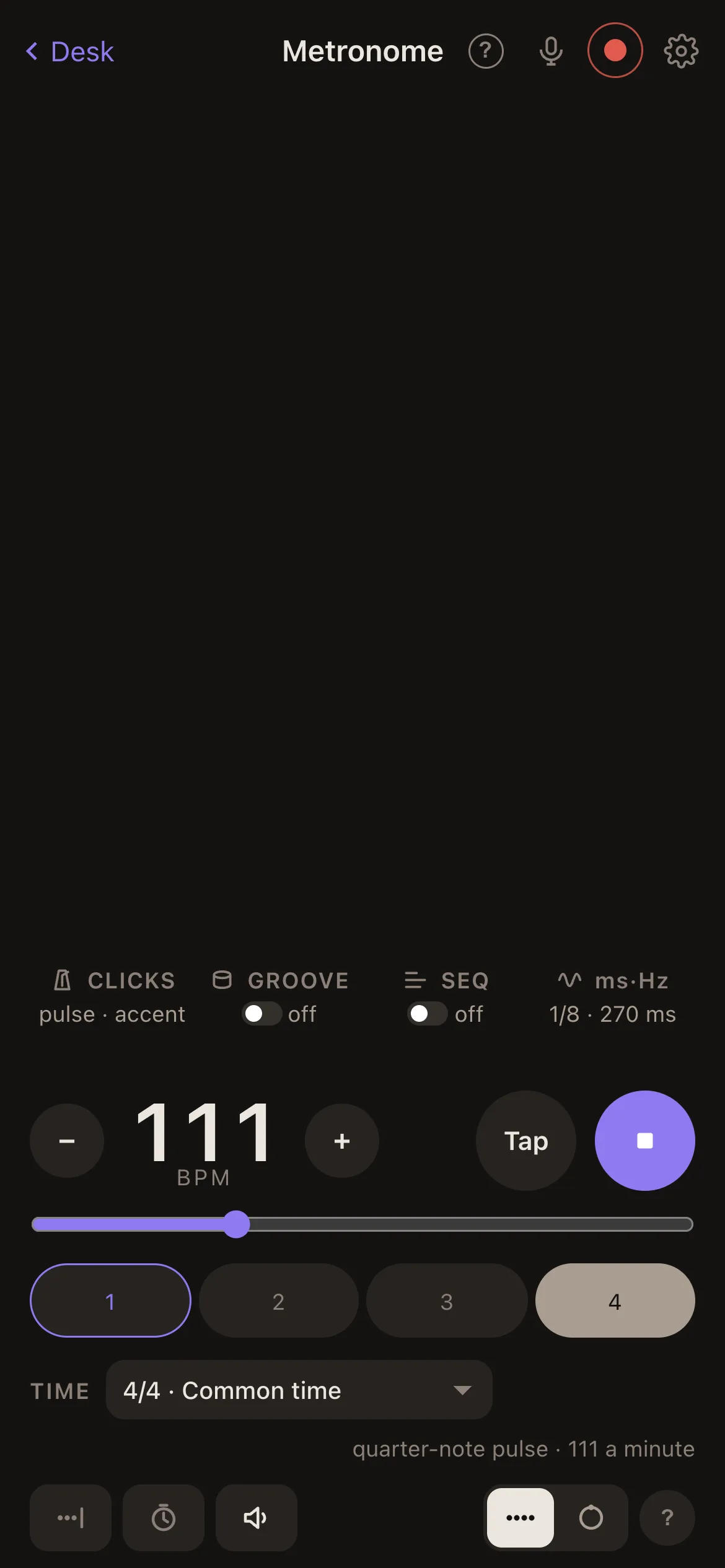
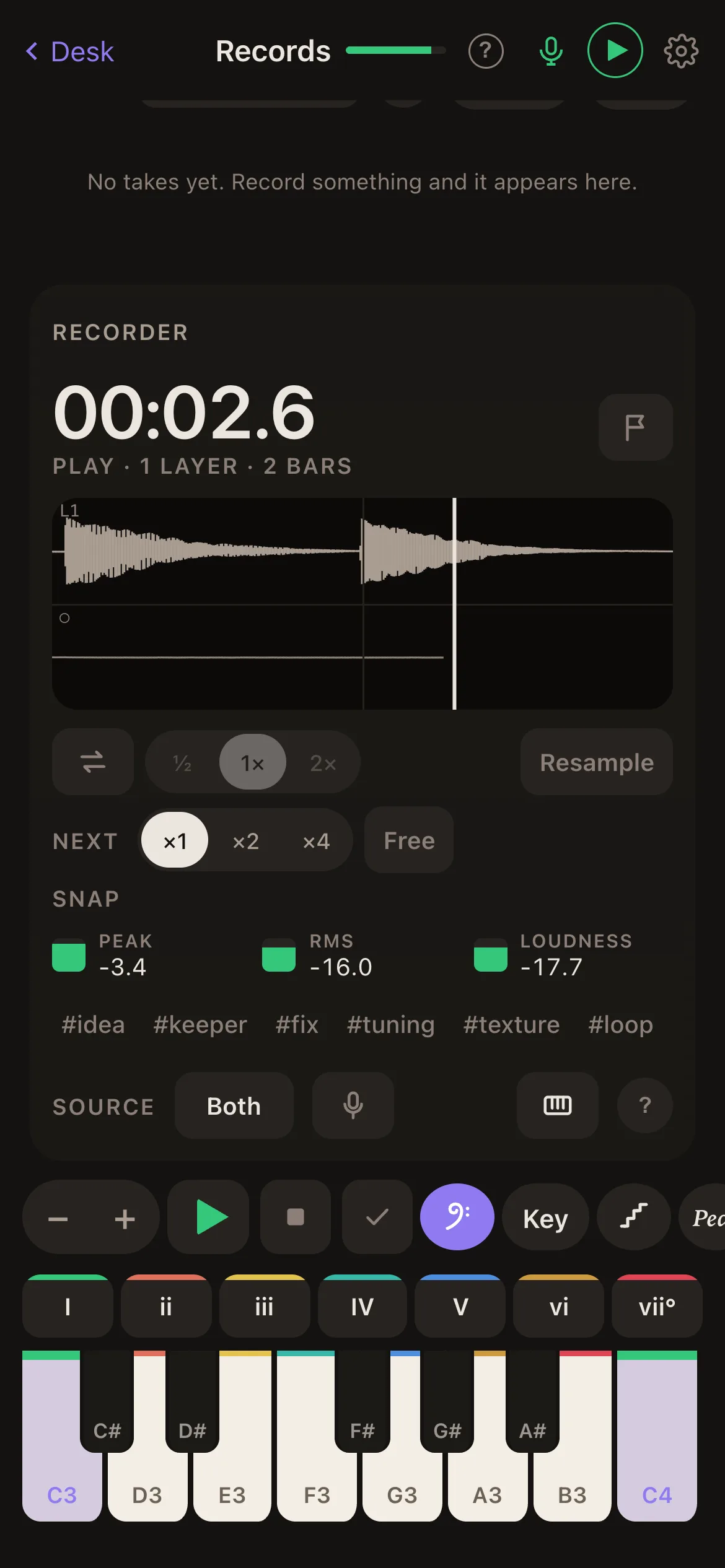
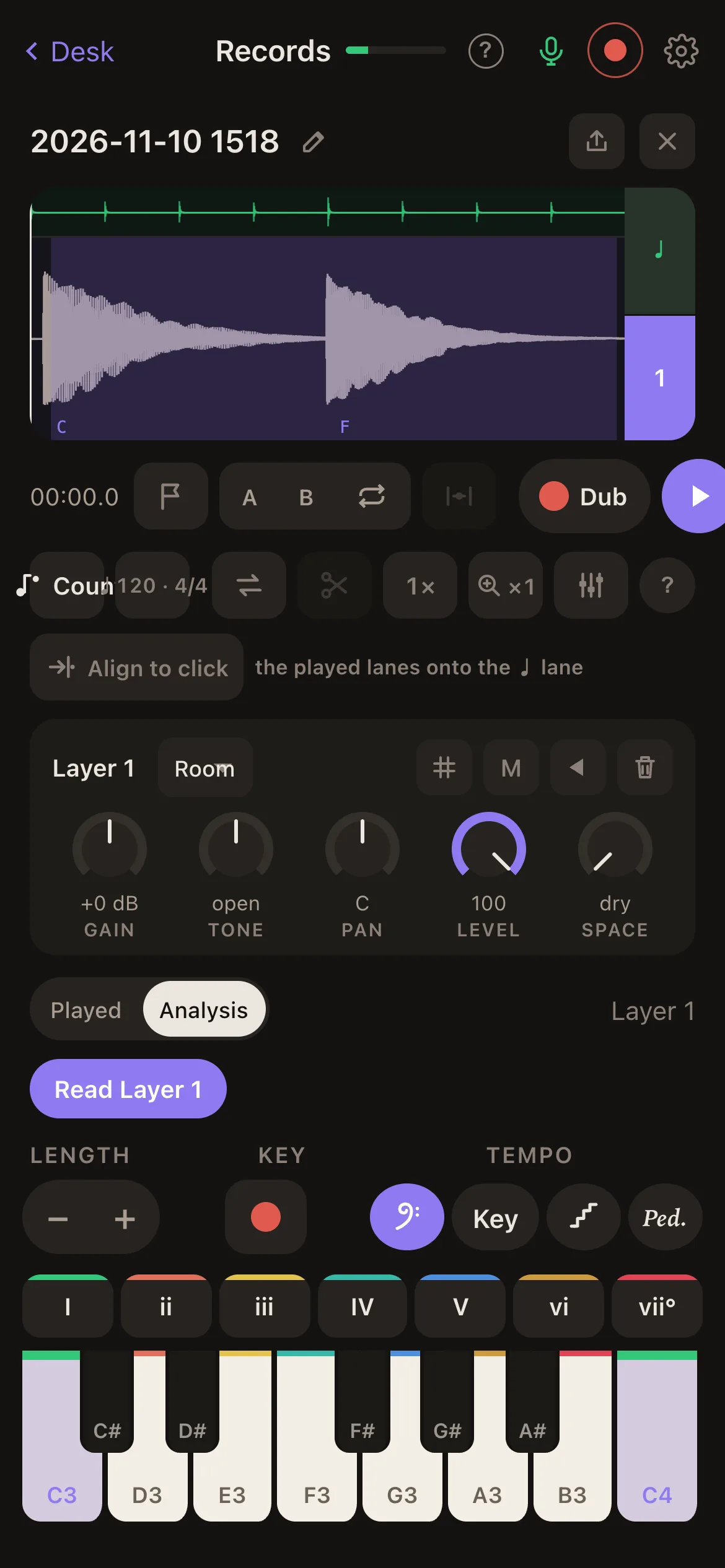
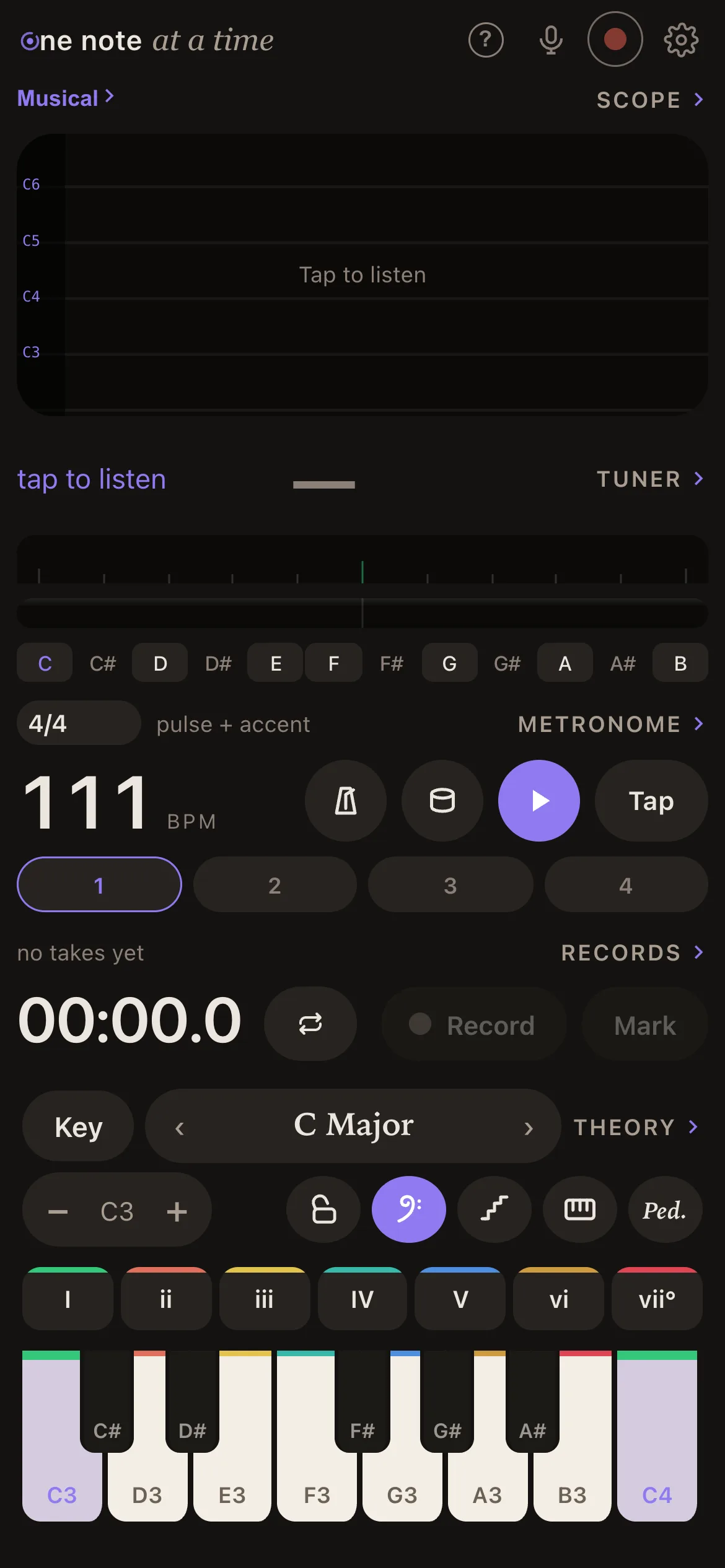
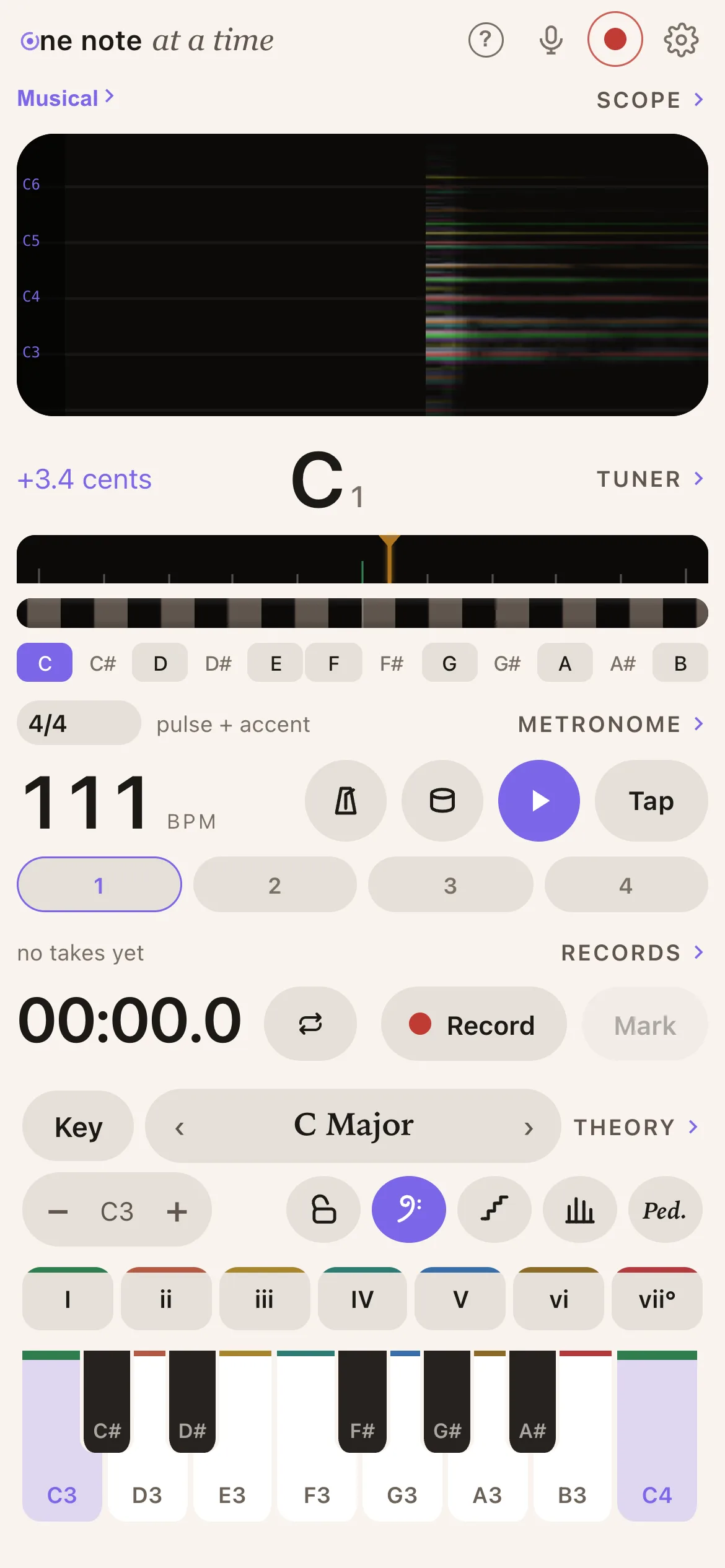
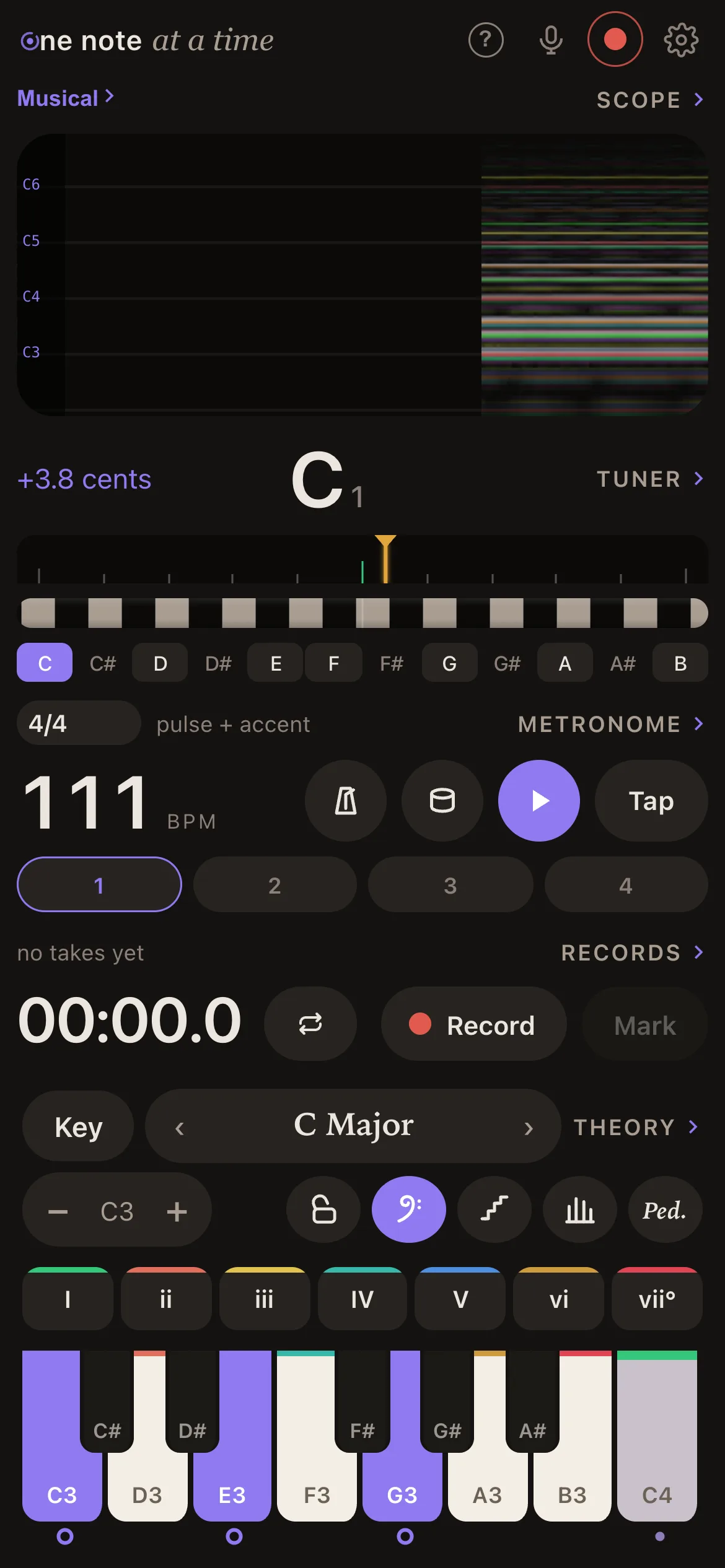
The desk: scope, tuner, metronome and recorder in a column over a keyboard, with a chord held
The desk. One held chord, read four ways.
6scope views
35chord formulas
7loop layers
8guitar tunings
6tuning systems
0accounts or servers
Overview

Five things it does, on one desk.

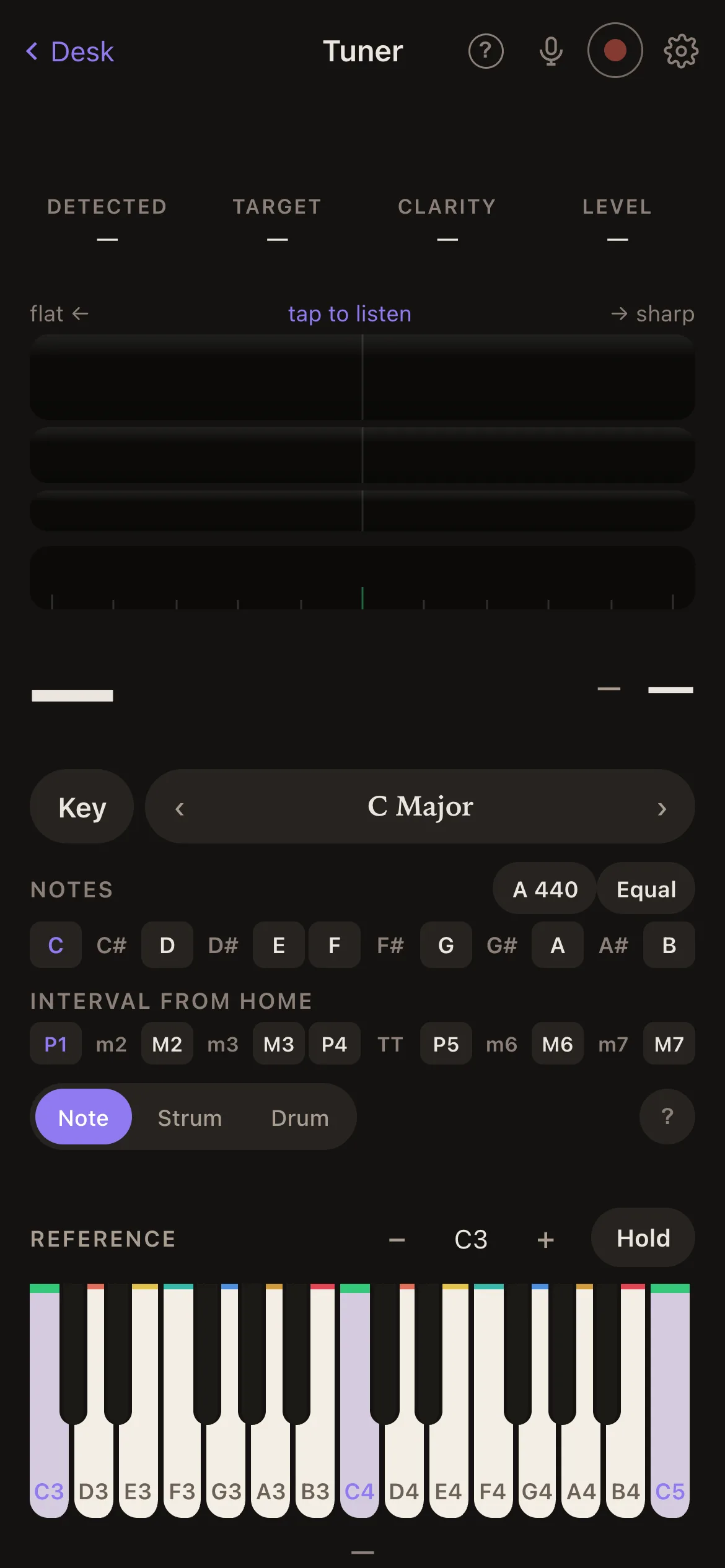
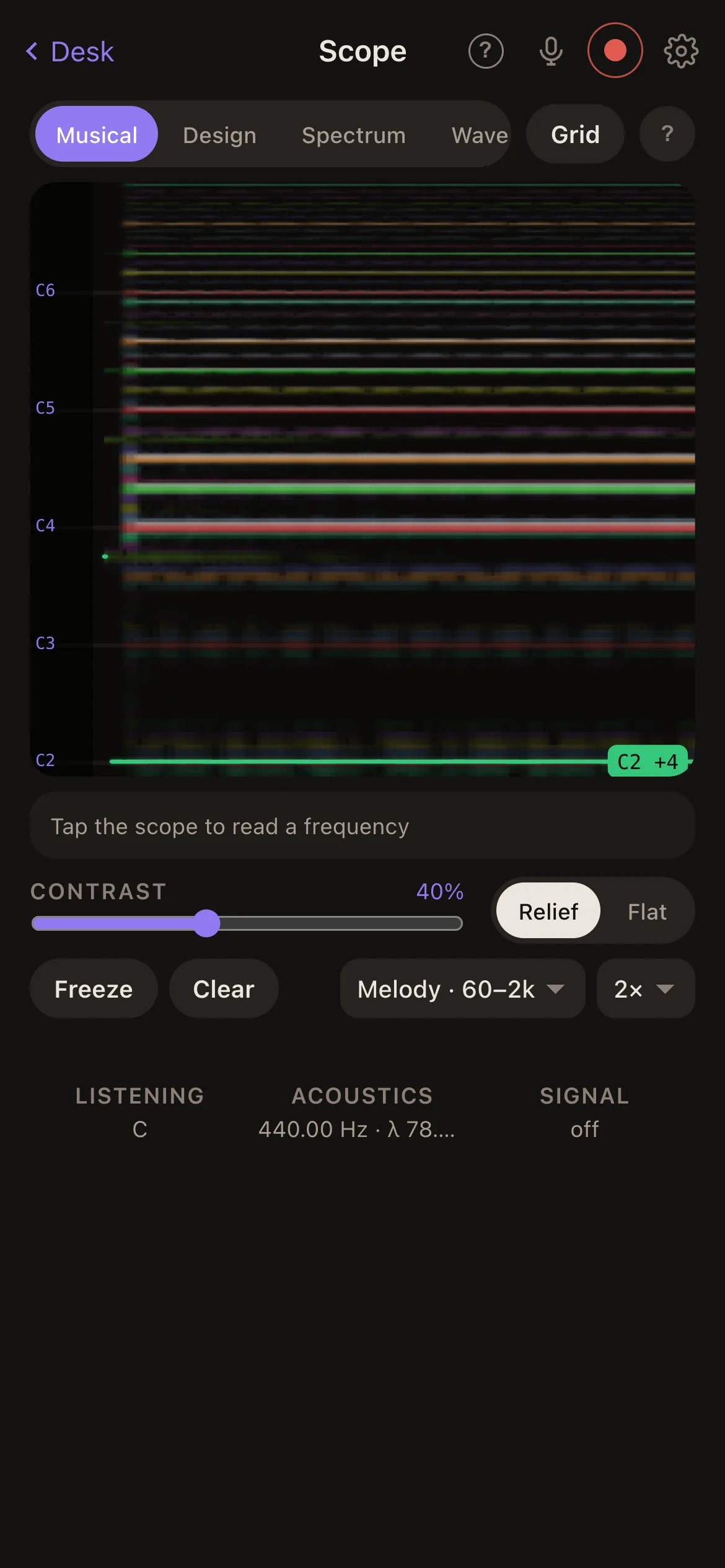
The desk is the home screen: four widgets in a column over a keyboard that sounds while you touch it. Each widget's title opens its own deeper page. Here they are, one at a time — it turns on its own, and stops the moment you touch it.

MIDI out

Plug it in. Play the chords. Hear your studio.

Over the cable, the phone is a MIDI controller. Every key you touch, every chord chip, every arpeggio leaves as notes, stamped on the beat, and your DAW sees an input called iPhone. Ableton, Logic, anything that takes MIDI. The Theory page becomes the quickest way to try a progression on a real instrument.

  1. Cable. The phone into the Mac, USB.
  2. Once. In Audio MIDI Setup, enable the phone under Inter-Device Audio & MIDI.
  3. Play. Pick iPhone as the input of a track. Tap a chord.

Apps on the phone itself see the same port, named One Note. MIDI in and clock are next.

iPhone ▸
What people reach for it for

One app, quietly a dozen tools.

It is trying to do a lot at once, on purpose: the things you otherwise open five apps for, in one that shares a key. Some of them.

  • Tune a guitar in a loud roomStrum once; six strings, six readings.
  • Find the key of a song by singing itTap Key, hum the root. Everything else follows.
  • Loop a vamp and sing over itTap, play, tap. Overdub seven times. Keep the one you like.
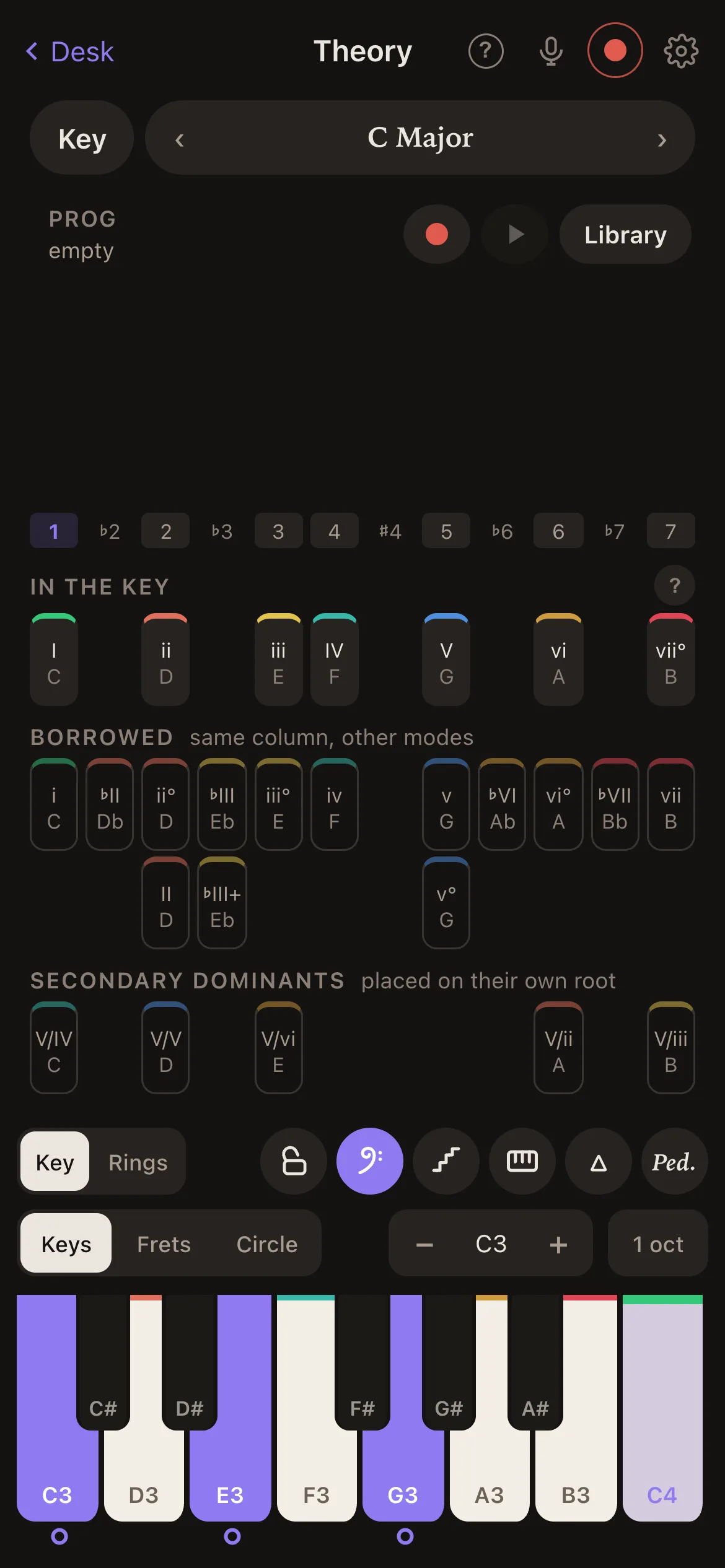
  • Hear what a vi chord doesTap it in your key and watch the tension colour change.
  • Set a delay time from the tempoNote values in milliseconds, right under the BPM.
  • Check a mix is mono-safeA goniometer and a correlation meter, in your pocket.
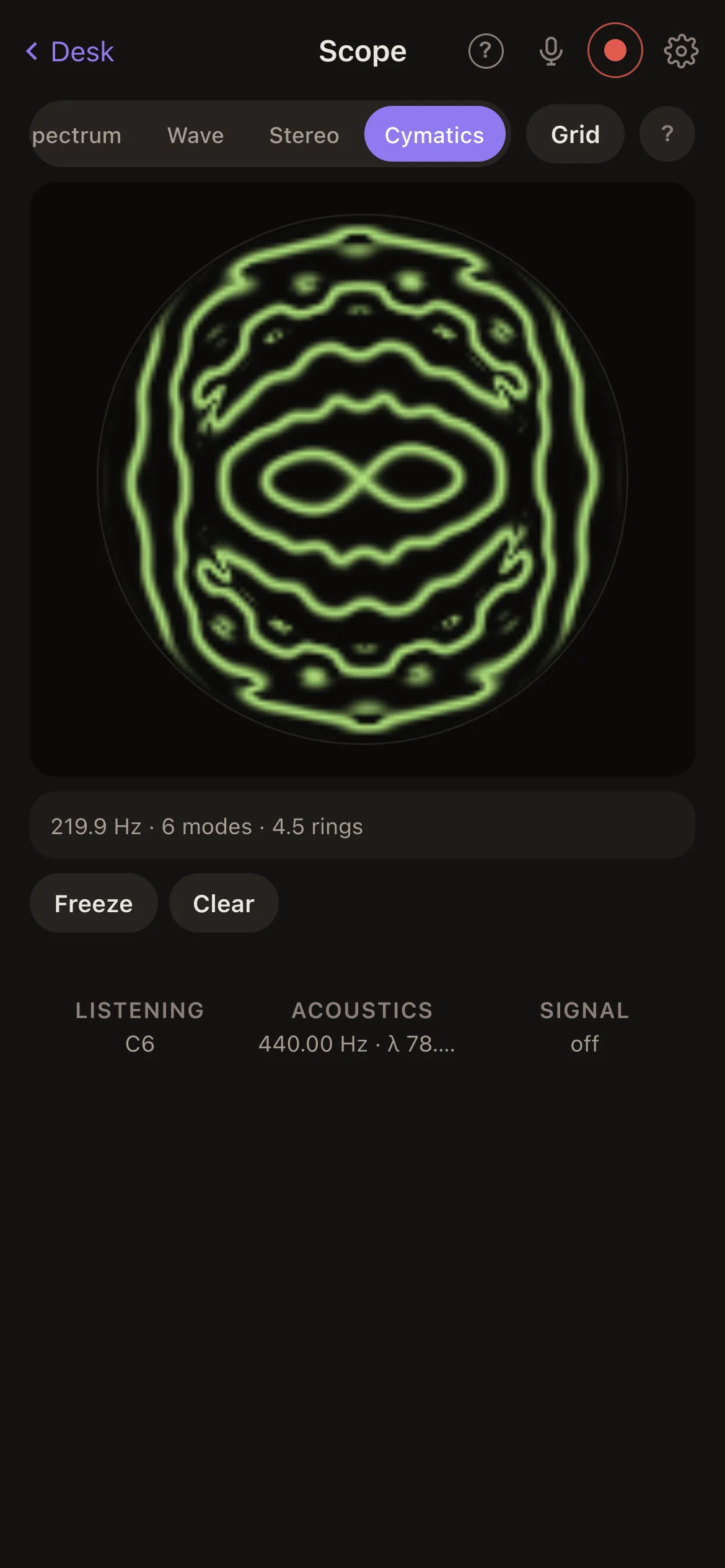
  • See a vowelSing into the cymatics plate and watch it settle into lines.
  • Keep a 2 a.m. idea with its chordsThe take remembers what you played and when.
  • Practise 7/8 until it feels like 4/4Two, two, three — and the phone taps your palm.
  • Send chords to Ableton over the cableThe Theory page as a MIDI controller.
  • Check your intonation on a held noteA strobe readable to a tenth of a cent, and a bloom when you are there.
  • Be tuning one second after you thought of itA widget on the home screen opens the page you want.
Price

€11. Once.

Less than a clip-on tuner, for a tuner, a scope, a metronome, a looper and a harmony page that answers back. One payment, everything in it, every update after. No subscription, no unlockables, no account to make, no ads to look at. Family Sharing on.

€11
pay once · iPhone · iOS 17 or later
TestFlight beta · invites by hand for now

The beta is free while it lasts. The App Store listing follows; the price above is the price it will be.

The same workbench runs in a browser at /app, for the desk beside the DAW. The phone has the mic and the keys through its own audio path.

Look

One skin, two moods.

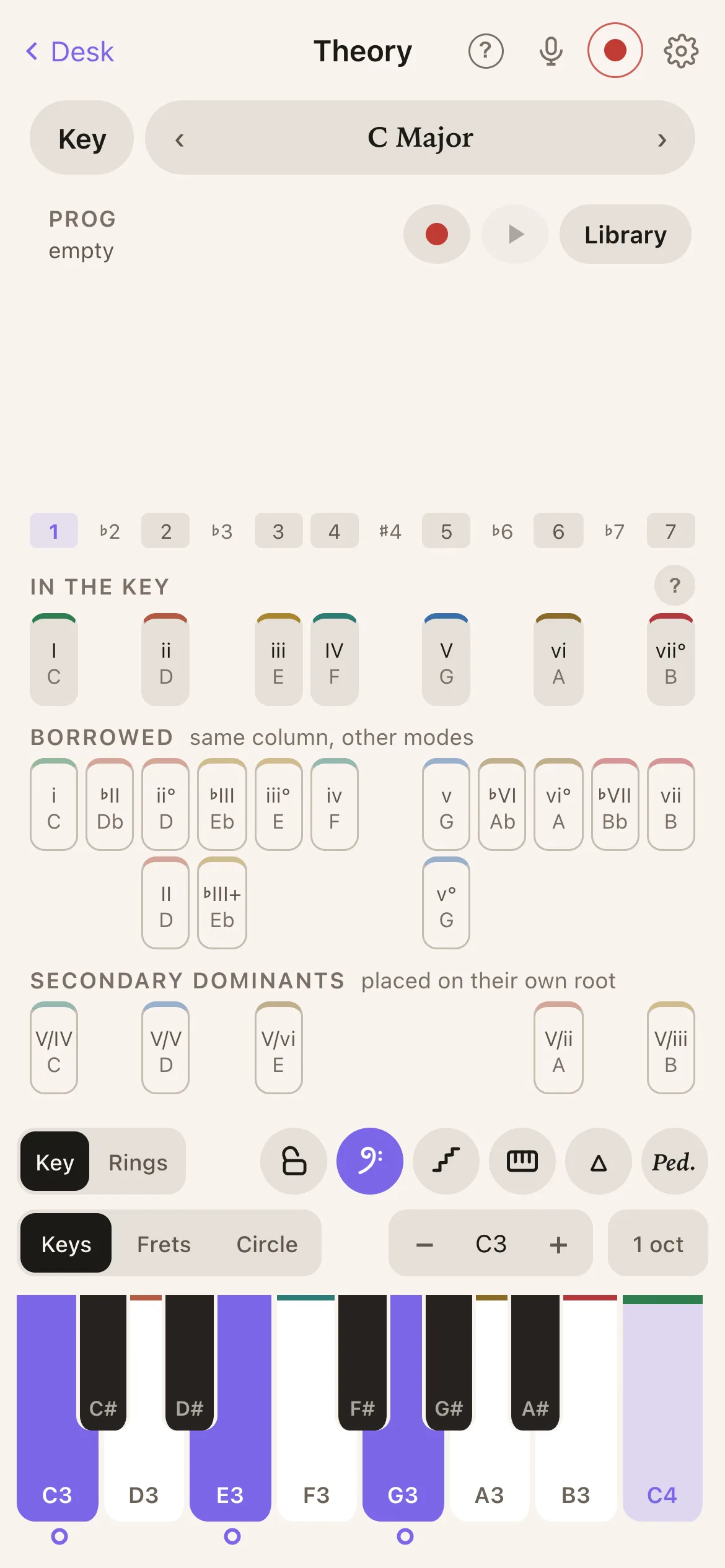
Flat, warm and typographic. Warm near-black in the dark, warm paper with the lights on. A display is always a screen, whatever the room is doing.

The desk, in the dark
Ink, in the dark
The desk, with the lights on
Ink, with the lights on
Private by construction

Your sound is nobody's business.

No account. No cloud. No analytics. Your recordings, your progressions and your practice stay on your phone, not as a policy but as an architecture. There is no server for them to reach.

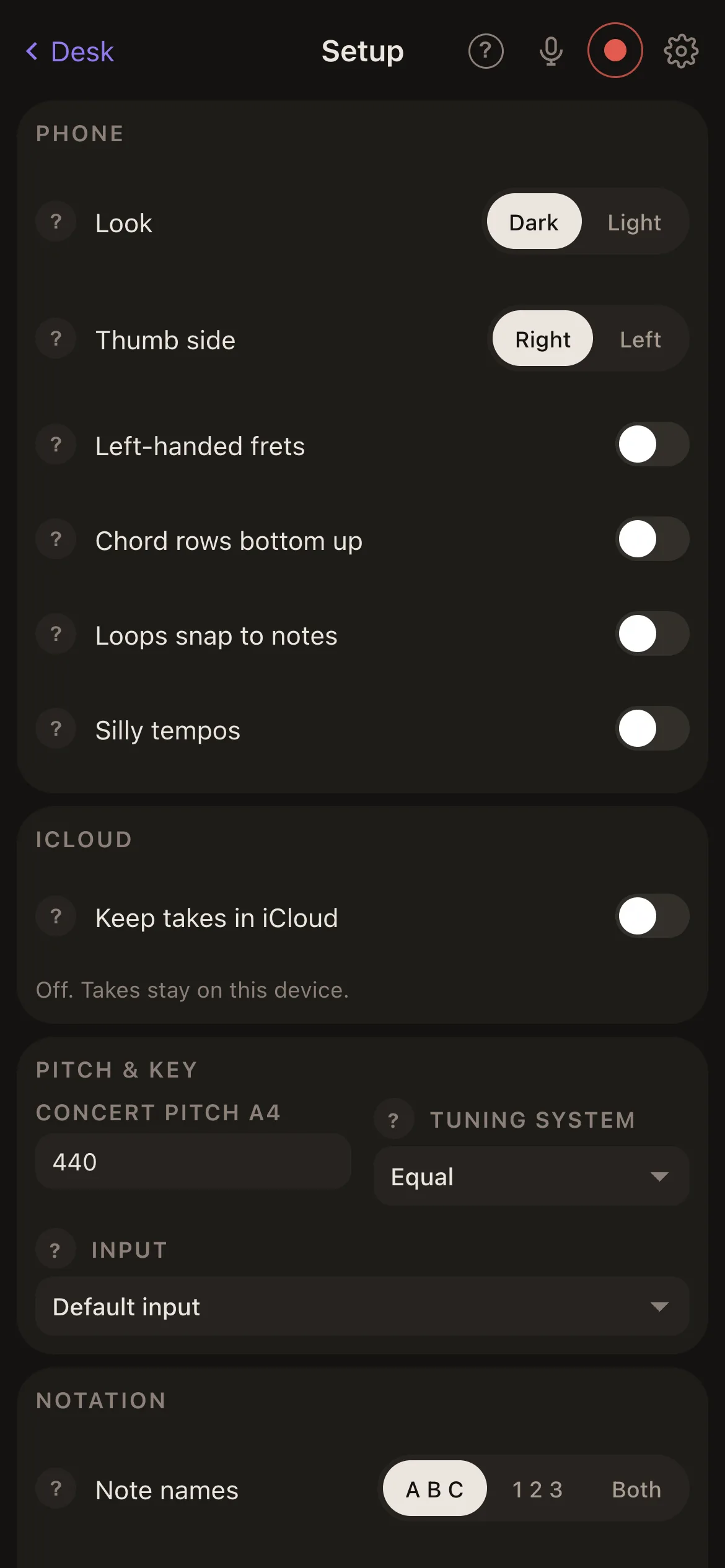
The microphone is asked for once, in the app, and used only for live analysis and for takes you choose to record. The picture never leaves the device, and neither does the sound — unless you keep takes in iCloud, a switch in Setup that is off until you turn it on, and then only to your own iCloud. The one other thing that ever leaves is a note you write in Feedback — with a picture of the page, if you attach one — and only when you tap Send.

Pay once and it is yours. Read the privacy policy.